Most site migrations do not fail loudly. The new site launches, it looks good, everyone is pleased — and a few weeks later somebody notices that an old press release returns a 404, that a link in an official document leads nowhere, and that traffic from Google has dropped for no obvious reason.
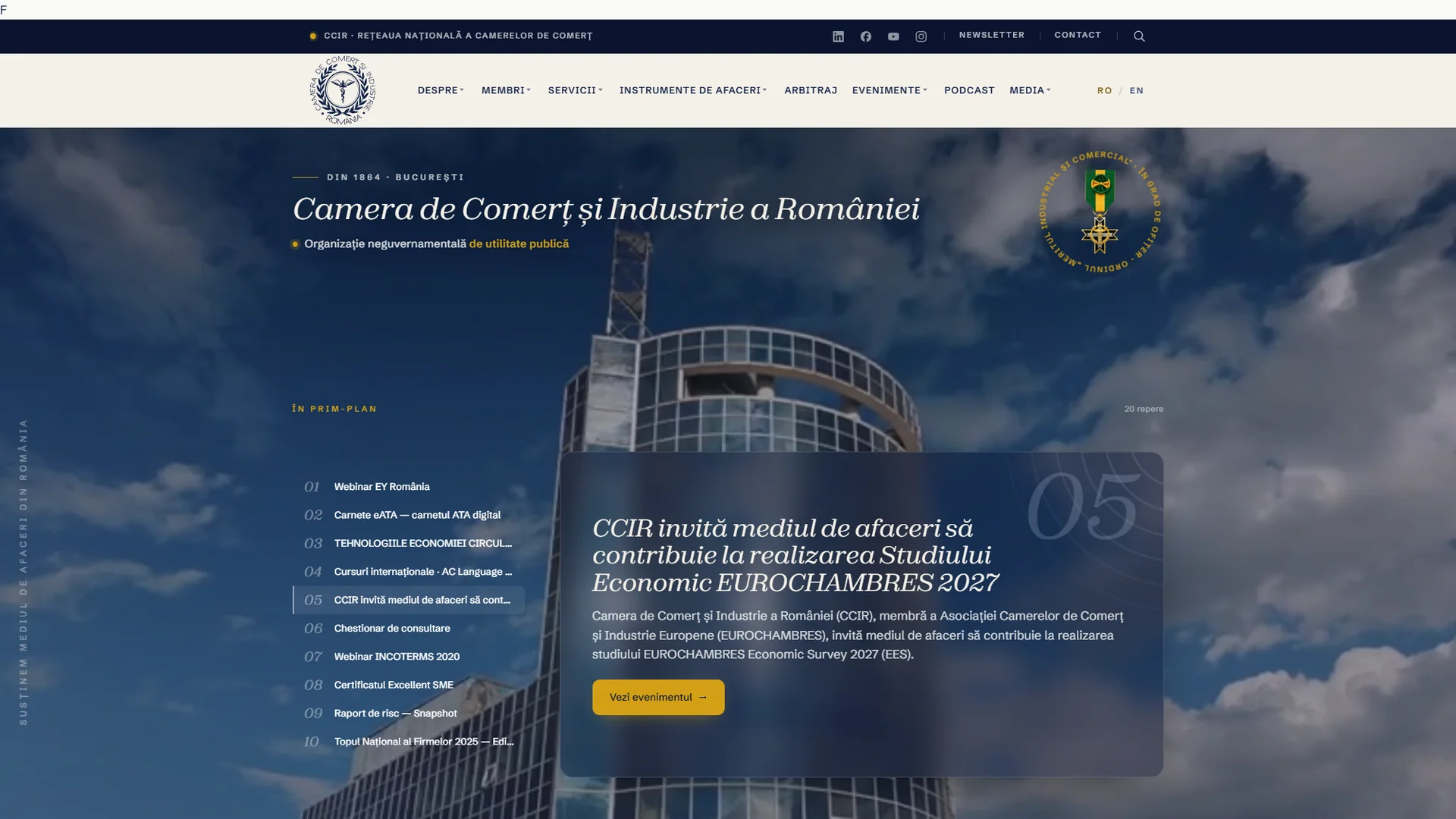
This year we migrated the platform of the Chamber of Commerce and Industry of Romania: 17,962 content entries, 14,016 media files, 419 old addresses that had to keep working. Zero broken links after launch. Not luck: we treated the migration as a project in its own right, with its own rules. Here they are, in the order they matter.
The inventory, before anything else
The first mistake of any migration is to start from the new site. Start from the old one: what exists, how much of it, where.
An institutional site accumulated over ten or fifteen years has content in places nobody looks at any more — post types created by a plugin that has since been uninstalled, draft pages that external links still point to, media files uploaded straight to the server with no record in the database.
Our inventory was a direct query on the production database, not a list compiled from the admin interface. The difference is real: the interface shows what it wants to show; the database shows what is there.
Two things come out of the inventory: the total count, which you will use at the end to confirm nothing was lost, and the list of content categories, which you will map onto the new structure.
A URL-by-URL map, not a general rule
This is where the migration holds or breaks.
The temptation is to write a rule: "everything that lived at /comunicate/{slug} goes to /sala-de-presa/{slug}". The rule covers 90% of cases and destroys the remaining 10% — precisely the ones where somebody edited a slug by hand in 2018, the ones with diacritics in the address, the ones already moved once through an older redirect.
We built the map explicitly: every old address with its new destination, in one place. For CCIR that came to 419 permanent redirect rules. Not 419 regular expressions — 419 pairs.
A detail that matters later: redirects live in the database, not in .htaccess. An .htaccess file is lost at the first server move or the first reinstall of a caching plugin. A database table travels with the site, exports, imports and can be verified programmatically.
An import you can run again
A migration does not succeed on the first pass. You discover a field you did not map, a category with a duplicate name, a different date format in posts from before 2012. You have to be able to start over.
That is why our import scripts are idempotent: run twice, they produce the same result and do not duplicate content. Every imported entry keeps its identifier from the old system, and on the next run the script finds it, updates it and moves on.
That changed the rhythm of the work completely. We could import, check, correct the mapping and re-import as many times as needed, without deleting anything by hand in between.
The trap you cannot see: file names
Of 14,016 media files, 863 arrived on the server, existed, had the right name to the eye — and returned 404.
The cause: their names contained diacritics encoded in a different Unicode form from the one the browser asked for. There are two standard ways to write "ă" in Unicode (composed and decomposed); one operating system prefers one, a server another, a browser asks for a third. To the eye they are identical. To a server, they are different files.
We detected them programmatically — comparing every address in the content against the actual files on disk, in both forms — and normalised all of them to the form the browser expects. Without that check, 863 images in historical press releases would have been missing at launch, and nobody would have known why.
The general lesson: any migration of files named in a language other than English has to be verified at the byte level, not at the level of "looks right in the list".
The check that leaves nothing to chance
Before launch we crawled every address in the new site's sitemap programmatically: 3,517 URLs. Not a sample — all of them.
We read the result as a report, not a score: 3,491 correct responses, 8 intentional redirects, 18 events that point outside by design (the ROMEXPO calendar). Every deviation from "200 OK" had a written explanation before launch. Whatever could not be explained was fixed.
We ran the same crawl over the list of 419 old addresses, to confirm that every redirect leads where it should, not merely that it exists.
What to check after launch
The migration does not end on launch day. Three things, in the first weeks:
- The coverage report in Google Search Console. The 404s Google sees are your work list — addresses you did not have in the inventory because they came from external links you did not know about.
- The server logs, filtered on 404. The same information, but in real time, and including what Google does not index.
- A file-by-file reconciliation between the server and your archive. On an institutional platform several people have access; something always changes. We compare periodically and report every difference.
The short list
If you read only one paragraph, read this one:
- inventory from the database, not from the interface;
- a URL-by-URL map, not a general rule;
- redirects in the database, not in
.htaccess; - an idempotent import — so you can resume without deleting;
- file names verified in both Unicode forms;
- every address crawled before launch, not a sample;
- Search Console and server logs in the first weeks.
The CCIR migration, with its full context — from the information architecture to the publication reader — is in the case study.